
AI Virtual Try-On
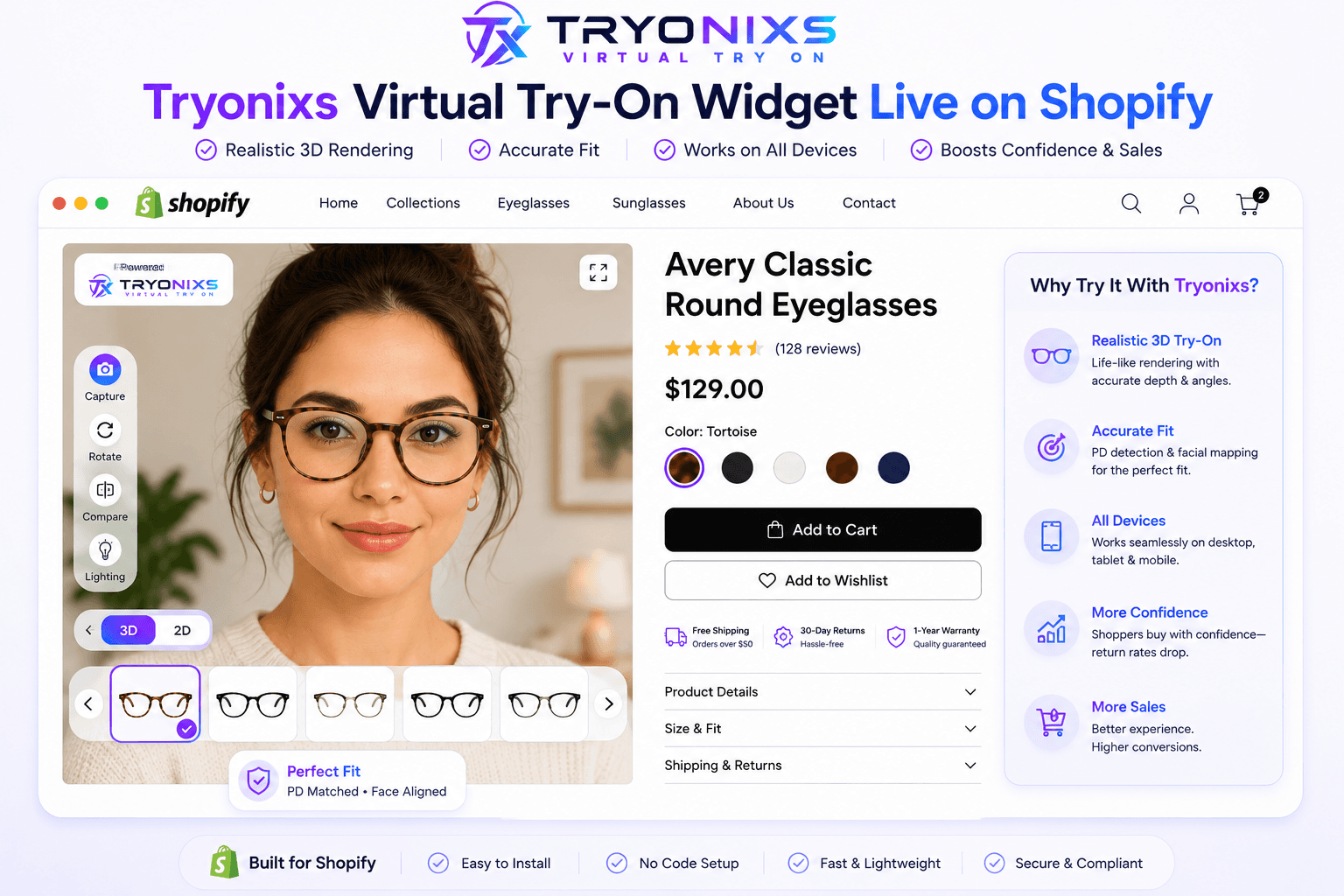
Real-time face tracking lets shoppers preview frames on their own face in the browser.
Official WordPress Plugin
Allow customers to virtually try on eyeglasses and sunglasses before purchasing using Tryonixs AI.
About the plugin
Tryonixs Virtual Try-On connects your WordPress website with the Tryonixs AI platform, allowing customers to instantly try on eyewear using their own face before buying.
The plugin is lightweight, secure, easy to install and works with modern WordPress websites.
Features
Real-time face tracking lets shoppers preview frames on their own face in the browser.
Natural overlay placement for optical frames with depth and fit that feel believable.
Built for WooCommerce product pages so try-on lives where purchase decisions happen.
Responsive try-on experience across modern phones, tablets, and desktop browsers.
Connect with your Tryonixs API key and launch without a custom engineering project.
Lightweight plugin design with Tryonixs cloud services powering the AI try-on flow.
Encrypted HTTPS communication between your store and the Tryonixs platform.
Support optical frames and sunglasses so shoppers can try the styles they actually sell.
Configure try-on from the WordPress admin without touching theme code for basic setup.
Ongoing improvements for compatibility, security, and try-on experience quality.
How it works
Upload and install the Tryonixs Virtual Try-On plugin on your WordPress site.
Paste your Tryonixs API key in plugin settings to connect your store securely.
Enable virtual try-on on eyewear products you want shoppers to preview.
Shoppers open try-on on the product page and preview frames before checkout.
Installation
Download the official plugin package, activate it in WordPress, and connect your Tryonixs API key to enable virtual try-on.
Download WordPress PluginCompatibility
| Requirement | Support |
|---|---|
| WordPress | 6+ |
| WooCommerce | Supported |
| PHP | 8+ |
| HTTPS | Required |
| Desktop browsers | Supported |
| Mobile browsers | Supported |
The plugin communicates securely with the Tryonixs cloud only to provide virtual try-on functionality.
No customer information is sold or shared.
All communication uses encrypted HTTPS.
FAQ
Yes. The Tryonixs WordPress plugin is designed for WooCommerce product pages so eyewear shoppers can launch virtual try-on where they browse and buy.
Yes. After installing the plugin, connect your Tryonixs API key in the settings panel so your store can securely use the Tryonixs AI try-on platform.
Yes. The try-on experience works on modern mobile and desktop browsers, so shoppers can preview glasses on phones and computers.
The plugin communicates with Tryonixs over HTTPS only to power virtual try-on. Customer information is not sold or shared. Camera access is permission-based in the shopper’s browser.
Yes. You can configure plugin settings and align the try-on experience with your store branding. Contact sales if you need deeper white-label or custom styling guidance.
Transform your eyewear store with Tryonixs AI.